
Appearance
Platform Style Gallery
Researchers choose a participant feed style when creating or editing a survey. The style changes layout, density, media treatment, action labels, and feed chrome so the study can compare social-media interface contexts.
Demo Share Codes
The clean demo seed creates these public preview surveys:
| Share code | Style |
|---|---|
CS14DEMO2026 | Main client demo, X-style timeline |
CS14X2026 | X timeline |
CS14IG2026 | Instagram visual feed |
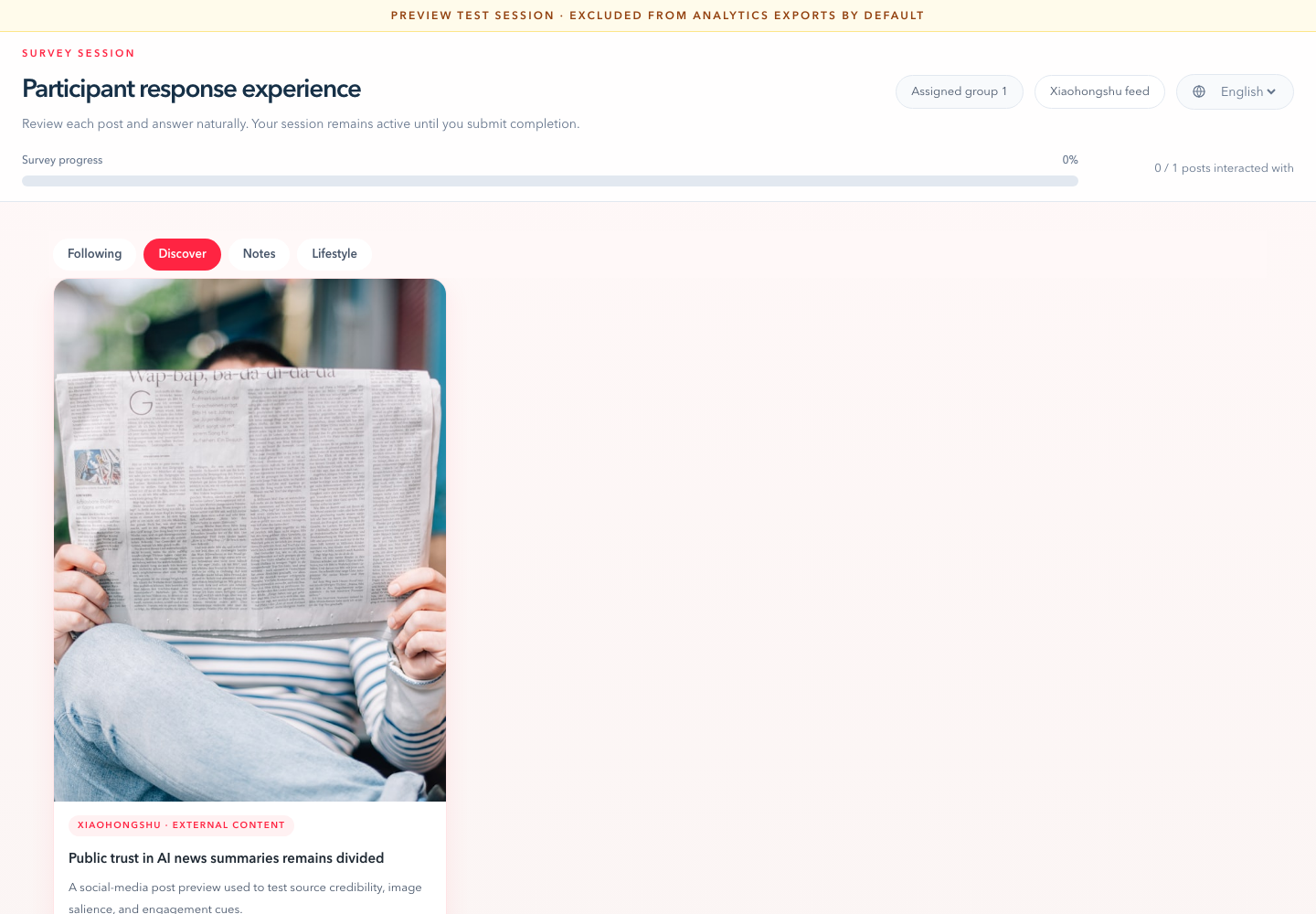
CS14RED2026 | Xiaohongshu notes |
CS14TRUTH26 | Truth Social feed |
CS14BSKY2026 | Bluesky feed |
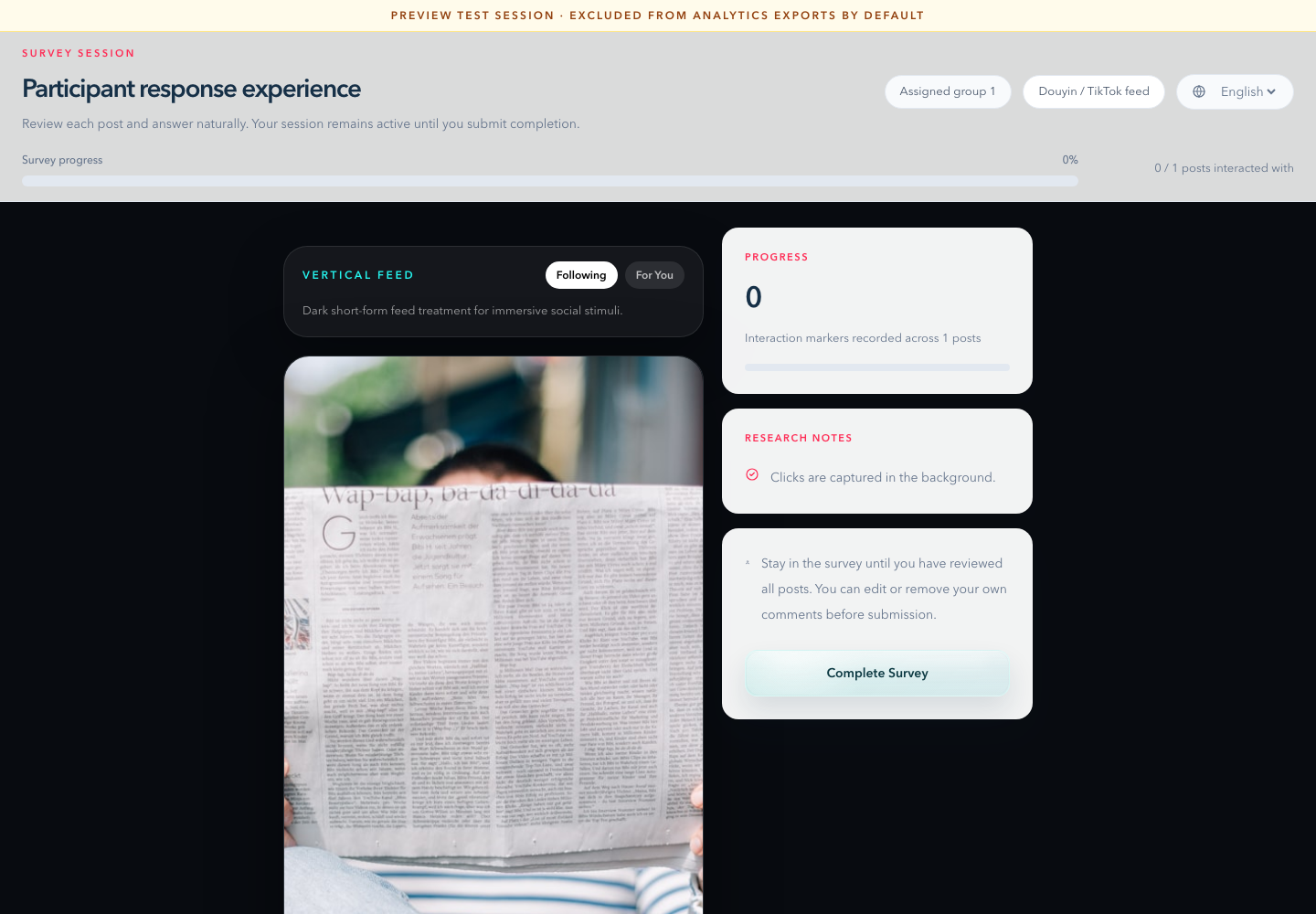
CS14DOUYIN26 | Douyin / TikTok vertical feed |
Use ?lang=en&preview=1&group=1 for screenshot capture without polluting normal exports. The gallery surveys intentionally skip calibration so screenshots can show the feed immediately; the main CS14DEMO2026 survey keeps calibration enabled.
Screenshot Gallery
The gallery uses local static demo assets, so screenshots do not depend on third-party image hotlinks during a client walkthrough.
X Timeline
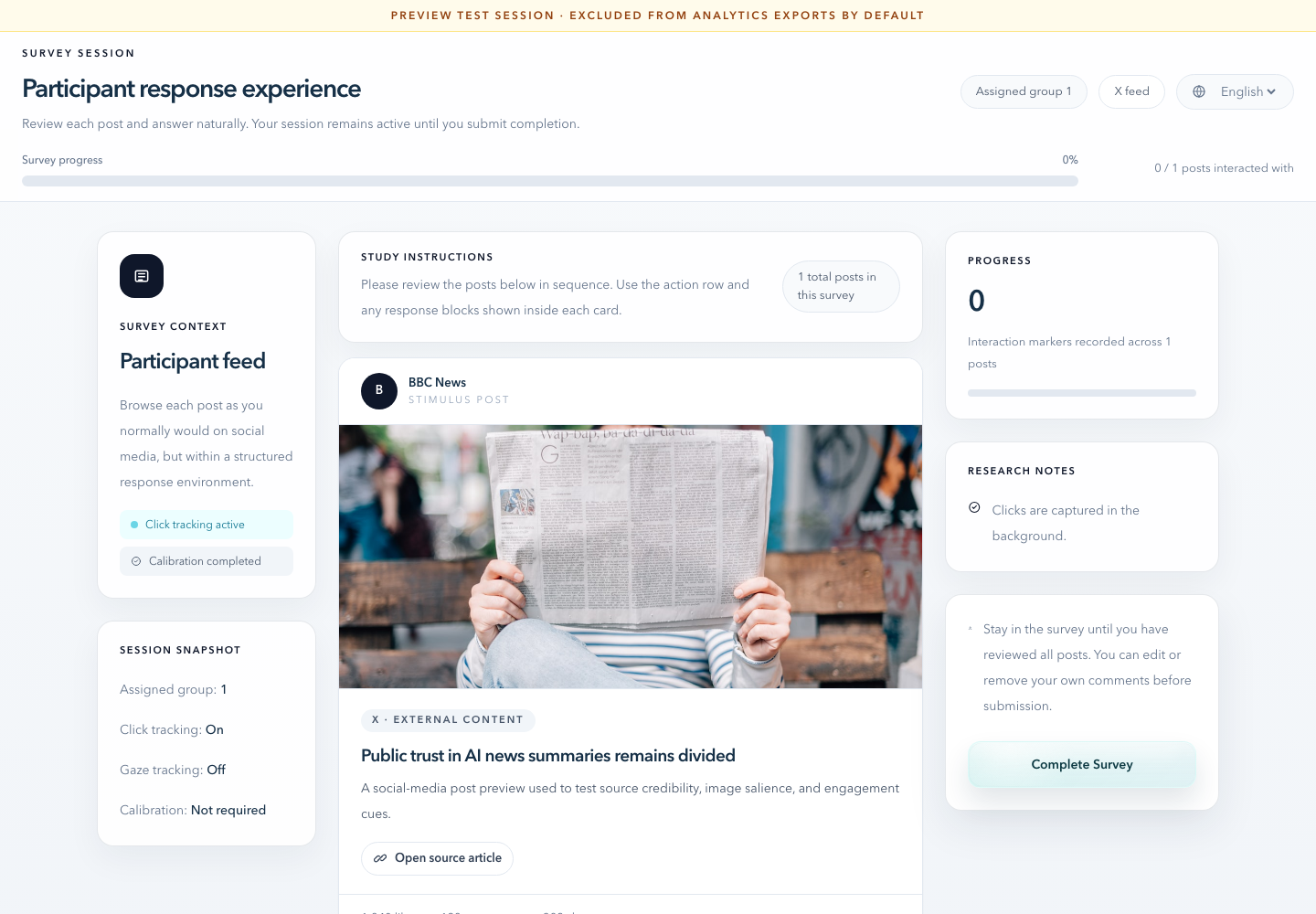
Xiaohongshu Notes
Douyin / TikTok Vertical Feed
What To Show In Demo
- Switch platform style in the survey editor.
- Open the participant preview link.
- Explain that platform style is a controlled treatment, not a separate survey engine.
- Show that the same post/question data can be rendered as timeline, image-first feed, masonry notes, or vertical-video style.
- Keep calibration separate if camera setup would slow the meeting.